
Text to speech for publishers
Increase engagement with human-like text to speech on your news site or magazine articles.
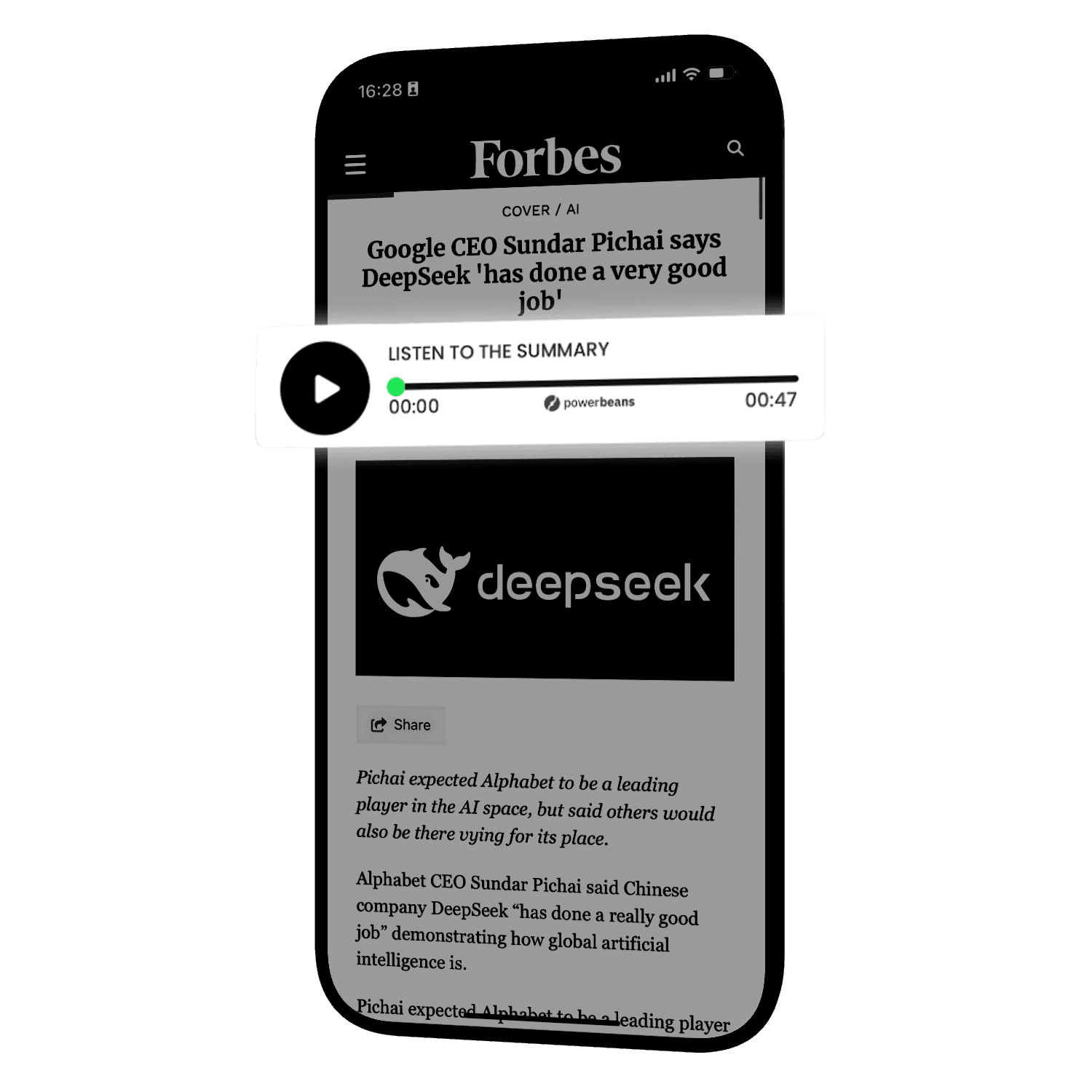
Studio-quality AI audio for every article, as a summary or in full, plus playlists built from your catalog. Live with one line of code.
Trusted by publishers who take engagement seriously





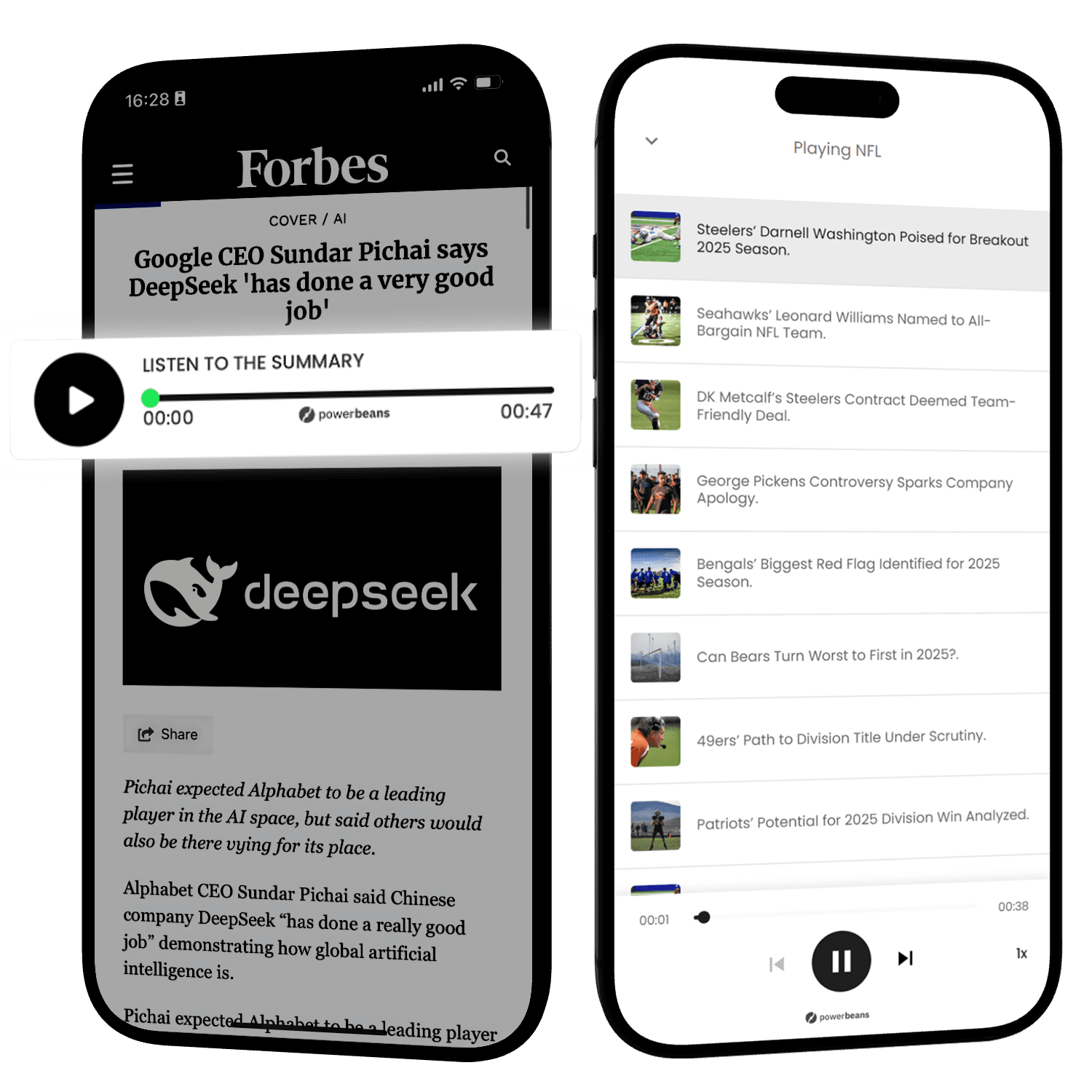
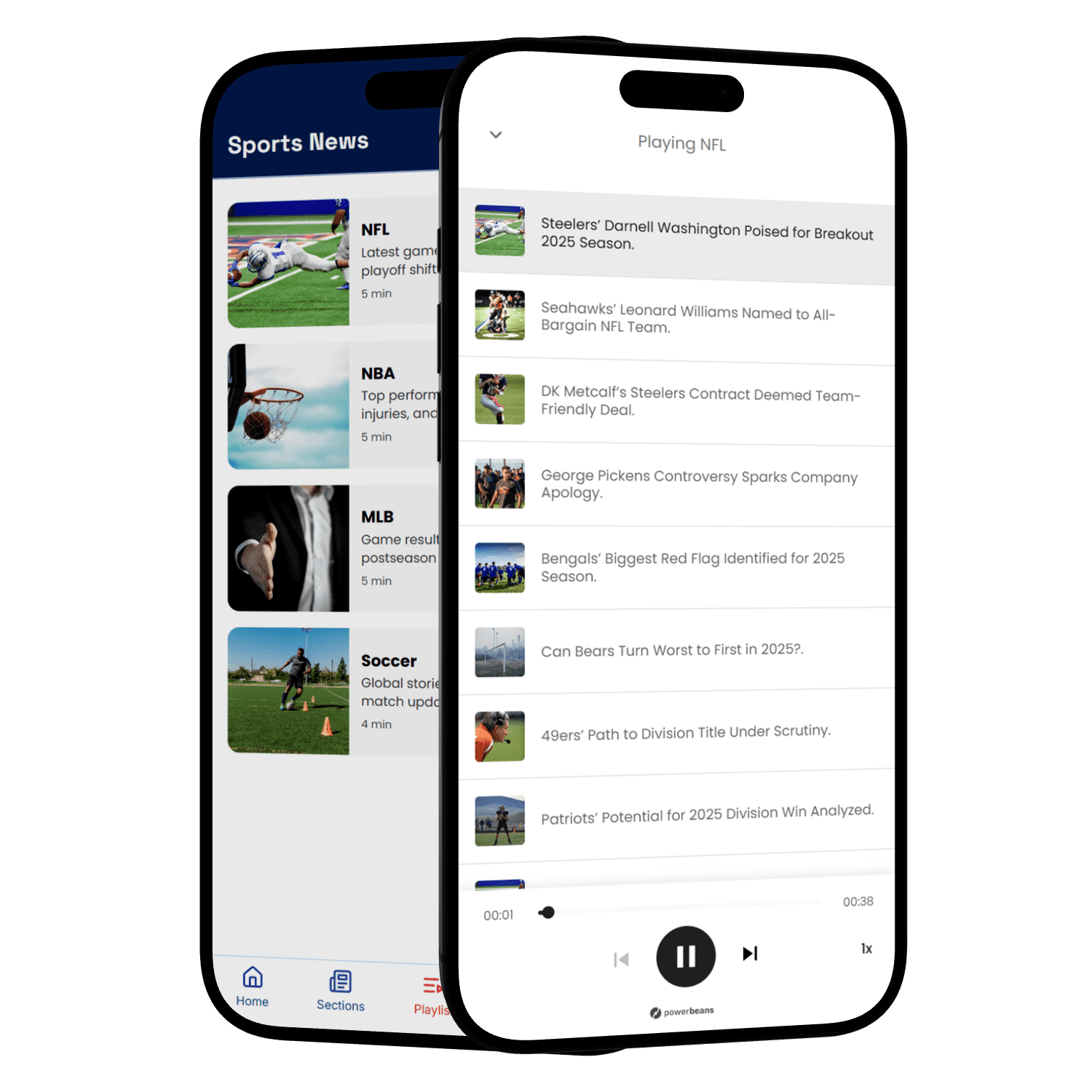
Audio inside your articles, or in a playlist
AI voices that sound human
We pair the most natural AI voices available with our optimization layer. Even the best voices stumble on raw text, so we adapt each article until numbers, prices and dates sound natural.
It works from your first article and fixes the most common mistakes for you. For anything that still sounds wrong, like names, brands or places, you can adjust how it's pronounced.
50+
languages and accents
- Dr. Smith: “Doctor Smith”
- $4.5M: “four point five million dollars”
- on 3/4 (US): “on March fourth”
- on 3/4 (UK): “on the third of April”
 Optimization layer
No development needed
Paste one line of code into your article template
<script id="pb-scr">!function(){var t=document.createElement("script");t.src="https://dev.powerbeans-ai.com/powerbeans-widget-latest.js",document.body.appendChild(t);var r=document.createElement("div");r.id="powerbeans-widget",r.setAttribute("apiKey","YOUR_POWERBEANS_TOKEN");var a=document.getElementById('pb-scr');a.parentNode.insertBefore(r,a.nextSibling)}();</script>We pick up new articles automatically, or you send them via API
We automatically generate, host, and deliver the audio.
Works with any CMS, including WordPress and Arc XP, or through Google Tag Manager and AMP.
Paste one line of code where you want the playlist
<script id="pb-scr">!function(){var t=document.createElement("script");t.src="https://dev.powerbeans-ai.com/powerbeans-playlist-latest.umd.js",document.body.appendChild(t);var q=document.createElement("link");q.rel="stylesheet"; q.href="https://dev.powerbeans-ai.com/powerbeans-playlist-latest.css",document.body.appendChild(q);var r=document.createElement("div");r.id="powerbeans-playlist",r.setAttribute("data-api-key","YOUR_POWERBEANS_TOKEN"),r.setAttribute("data-playlists","YOUR_PLAYLISTS_OR_LEAVE_EMPTY");var a=document.getElementById('pb-scr');a.parentNode.insertBefore(r,a.nextSibling)}();</script>We pick up new articles automatically, or you send them via API
We generate the audio and add each article to one or more playlists
Show it as a floating button, a playlist section, or embedded in your home page or articles.
Audio that can pay for itself
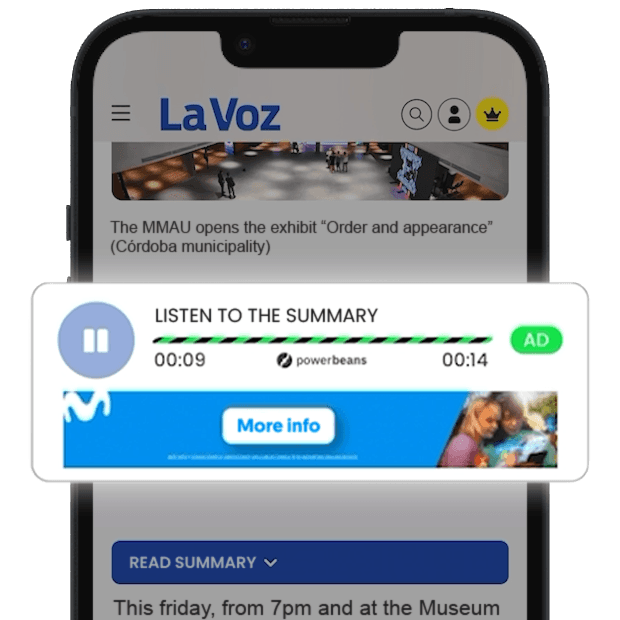
The Player and Playlist add display and audio ad slots to your articles, plus video in the Playlist, all filled through Google MCM. For eligible publishers, the ad revenue covers the platform fee, so you pay nothing.
+35
top tier SSPs available
What publishers see after adding audio
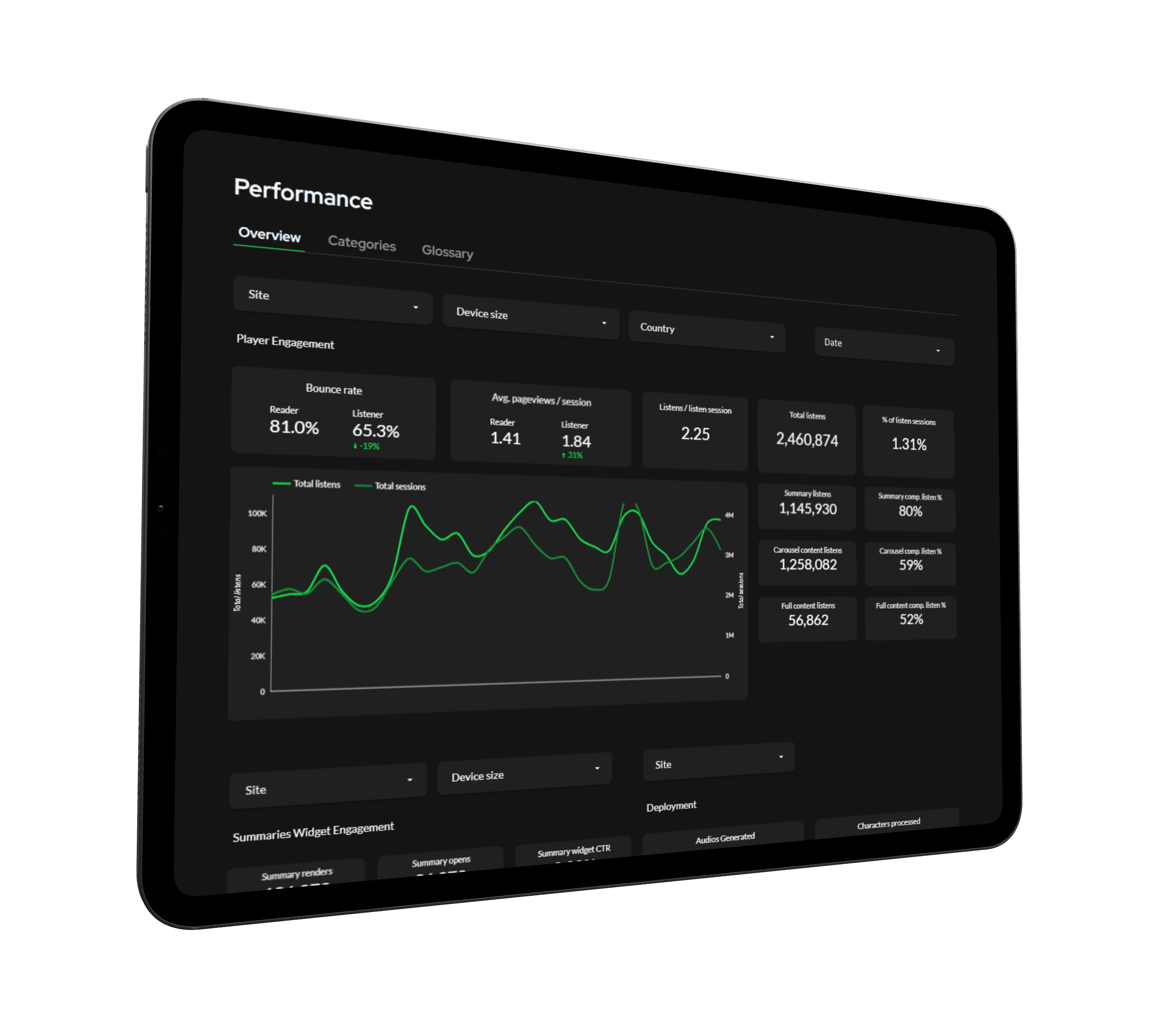
Reporting
Powerbeans gives you full visibility into how the products impact your business. Track detailed engagement, audio performance, and monetization metrics.
They went live. Here's what happened.


Standards & compatibility
No page slowdown
Optimized for speed with no delay to your page load. It's loaded asynchronously (in the background) from a CDN and cached in the browser for 30 days.
Accessible by default
Accessible to every user. Passes WCAG 2.2, with labeled controls, visible focus states, and screen-reader-friendly playback text throughout.
GDPR-aligned
Data handled with consent. Session and interaction data drive playback and analytics. Consent determines what's stored.
IAB TCF ready
Your CMP is respected. Works with IAB TCF consent signals. Consent status controls what gets stored and how ads are served.
See what Powerbeans looks like on your site.
Create a free account and build a demo with your own content. Listen to the voices, set the products up for your site, and go live in a day.
Get startedFAQ
Yes. Paste one line of code into your article template or add it through Google Tag Manager. It works the same way on Arc XP, AMP and any other CMS.
Yes. Add the code only to the pages where you want audio. Powerbeans only generates audio for pages that have the code.
More than 50 languages and accents in total. The ones with the most voices are:
- English, with US, UK, Australian, Indian and Canadian accents
- Spanish, with accents from Mexico, Spain, Colombia, Argentina, Chile, Peru and Central America
- German
- Portuguese, from Portugal and Brazil
There are 39 more languages, including French, Italian, Dutch, Polish, Japanese and Hindi.
No. The products load asynchronously, so they don't hold up the rest of your page. Their code is a small file that downloads quickly, and browsers cache it for 30 days, so only first-time visitors download it.
Your articles stay yours. Powerbeans doesn't gain ownership of them by processing them, and you can use the audio generated for you on your sites. The details are in our Terms.
The Audio Player and Playlist come with ad slots, and Powerbeans fills them through Google MCM and 35+ SSPs. You keep 50% of the revenue, or 70% on Enterprise. Eligible publishers can use Free via Ads: ad revenue covers the plan, with no credit card needed. How monetization works
Yes. It works with the IAB TCF consent signals from your consent tool, and your readers' consent decides what is stored. We provide a Data Processing Agreement, and the products meet WCAG 2.2 AA.